SMALL APPS. EVERYDAY POSSIBILITIES.

Find your next
“that’s useful.”

A little less busywork. A little more peace of mind. Explore apps made to help with the things you do every day.

01 / DRM & Whiteboard Solution for Commercial / School

TheDocu

Document sharing and live collaboration for schools and organisations.

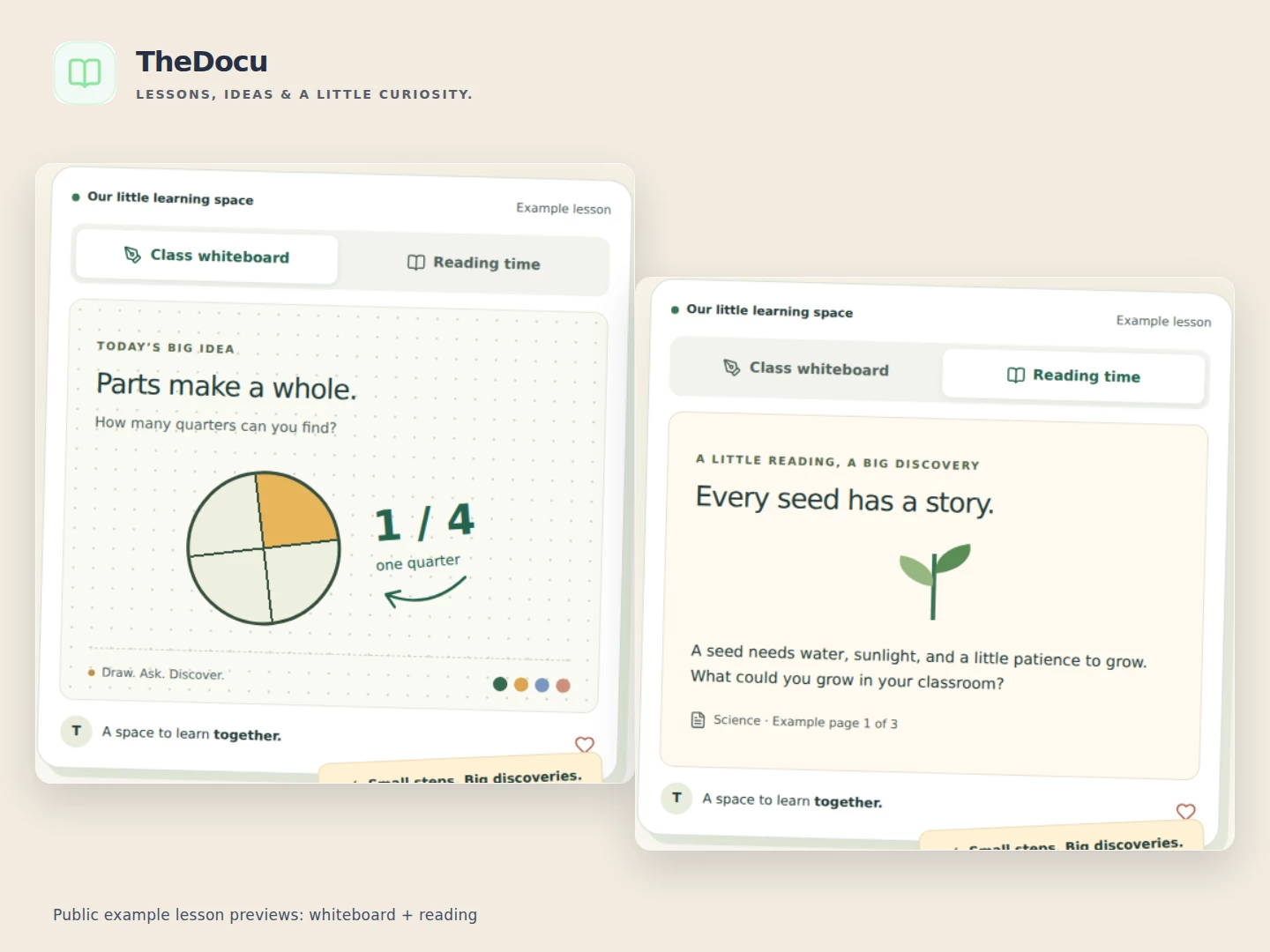
TheDocu is a commercial document and collaboration service for schools, education providers and organisations. Give teachers, students and teams a shared place to access documents and work together.

Share learning and business materials with controlled access, use named watermarks to help protect content, and explain or explore ideas on live collaborative whiteboards.

For school or organisational deployment, contact TheDocu to discuss your requirements, access arrangements and commercial offering.
Shared by App I Want Team · 3 supporters
TheDocu product preview
02 / Independent Mac OS App

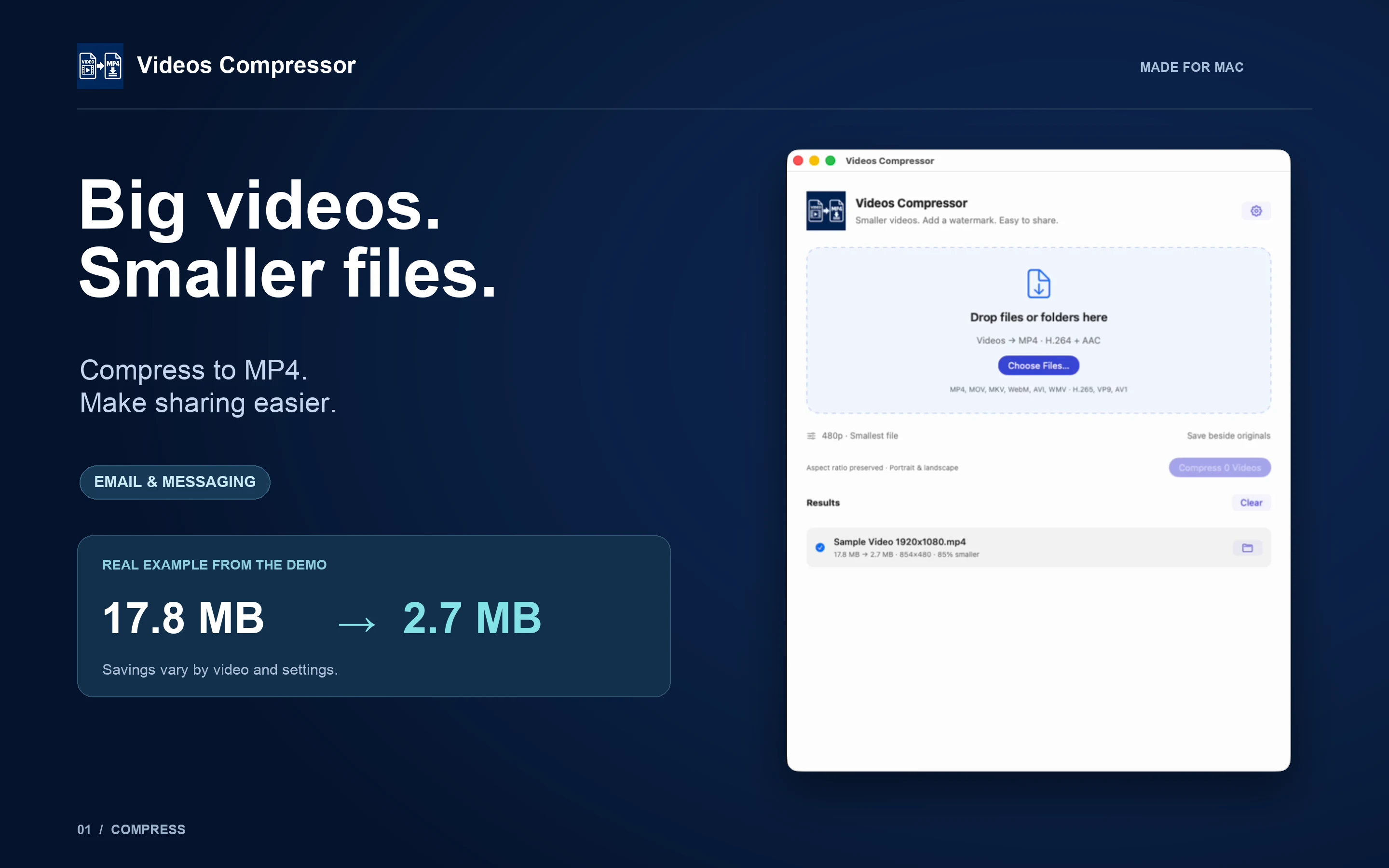
Videos Compressor

Smaller videos. Add a watermark. Easy to share. A private Mac app.

Turn large videos into smaller H.264 MP4 files for email and messaging. Choose 480p, 720p, 1080p, 4K or original resolution, select your quality and add an optional logo watermark.

Process videos and folders with saved settings, preserve portrait and landscape aspect ratios, and see actual file savings. Everything happens locally: no uploads, accounts or analytics.

Requires macOS 14 or later on Intel or Apple Silicon. Compression reduces visual detail; savings vary by source and settings.

Shared by App I Want Team · 0 supporters
Videos Compressor product preview
03 / Independent Mac OS App

Image to PDF

Your images. One compact PDF. Your privacy.

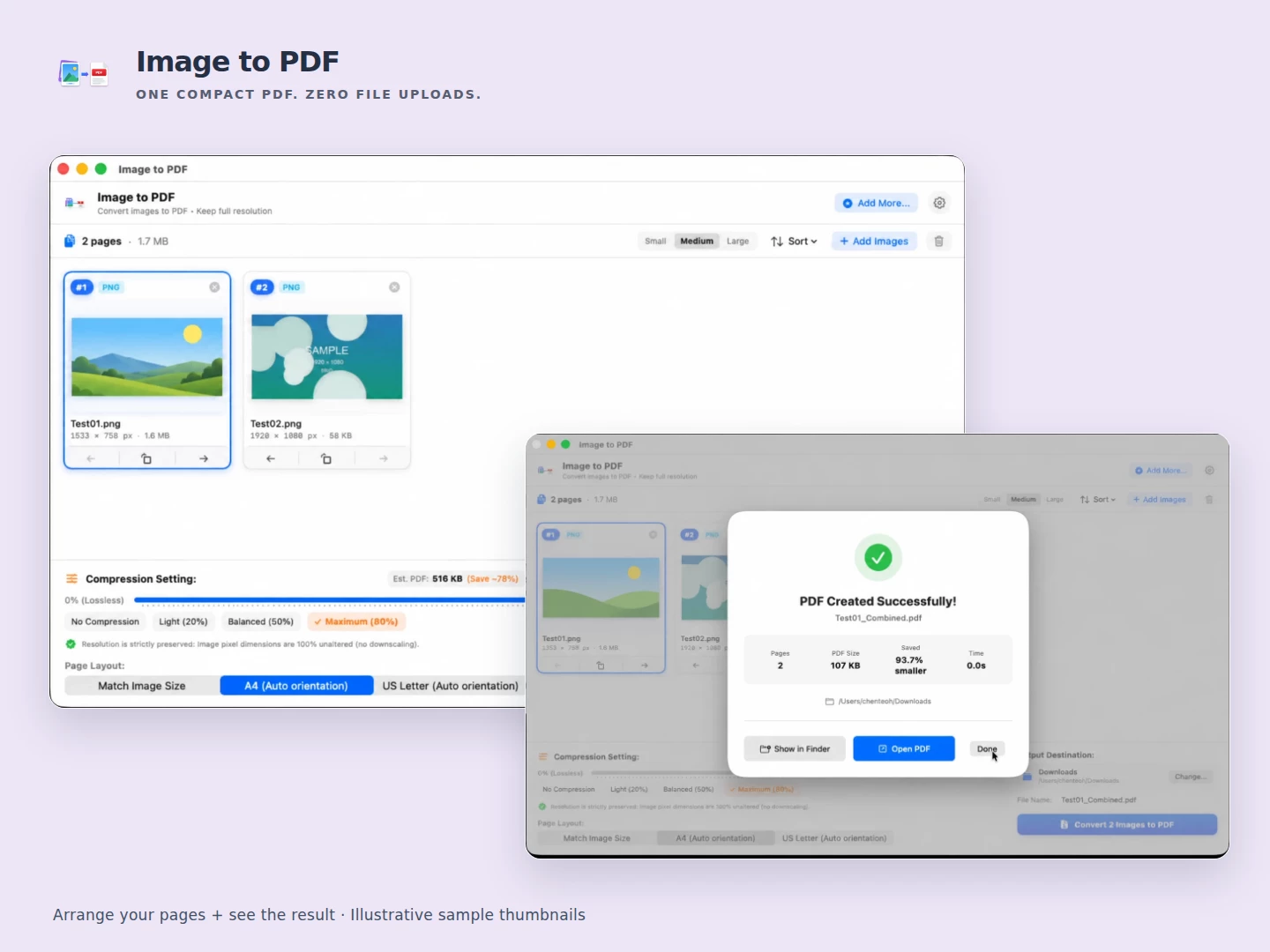
Bring photos, screenshots and scanned images together in a PDF that’s easier to share. Add your images, arrange their order and choose Match Image Size, A4 or US Letter for your pages.

Select no compression, light, balanced or maximum compression, then save the document locally. Check the resulting file size and savings, open the PDF or reveal it in Finder. Your files are never uploaded to our servers for conversion.

Coming soon to the Mac App Store. Output size depends on your images and settings; compression can reduce detail. Product previews use illustrative sample thumbnails.

Shared by App I Want Team · 0 supporters
Image to PDF product preview
04 / Independent Mac OS App

PDF & Images Compressor

Smaller files. Fewer clicks. One simple Mac workflow.

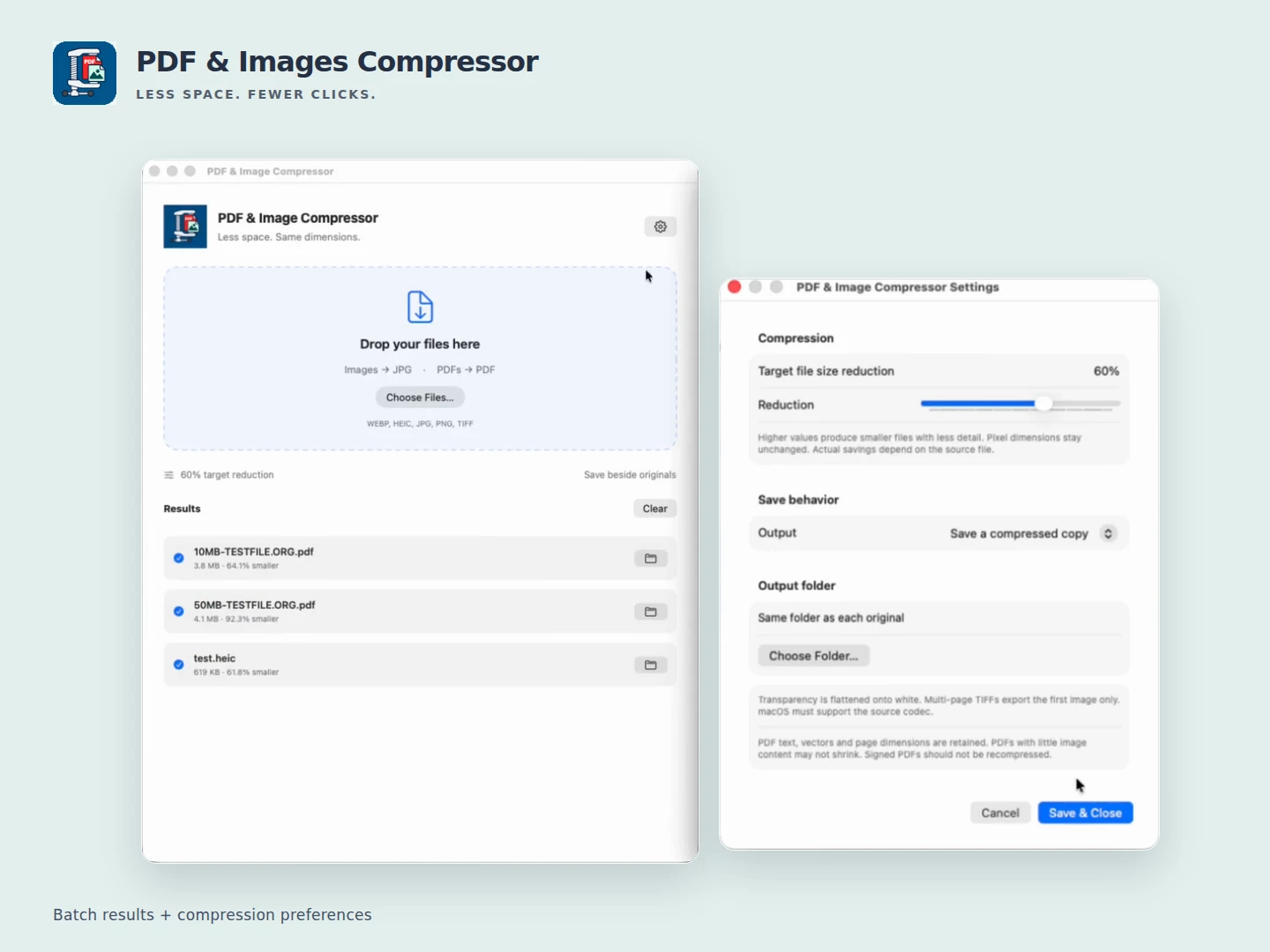
Get a batch of photos and PDFs ready to share without repeating export dialogs. Drop in your files, choose them in the app or use Finder Services. Supported images—including HEIC—become widely compatible JPGs; PDFs remain PDFs.

Processing stays on your Mac. Keep image pixel dimensions, choose a target reduction from 1–95%, and see actual savings for each file. Save compressed copies beside the originals or choose your own output folder.

Available now on the Mac App Store. Compression can reduce detail, and target percentages are not guaranteed savings. Visit the website for supported formats and full details.

Shared by Johnny · 1 supporter
PDF & Images Compressor product preview
05 / Independent Mac OS App

Markdown Converter & Editor

PDFs and images to editable Markdown. Ultrafast, on your Mac.

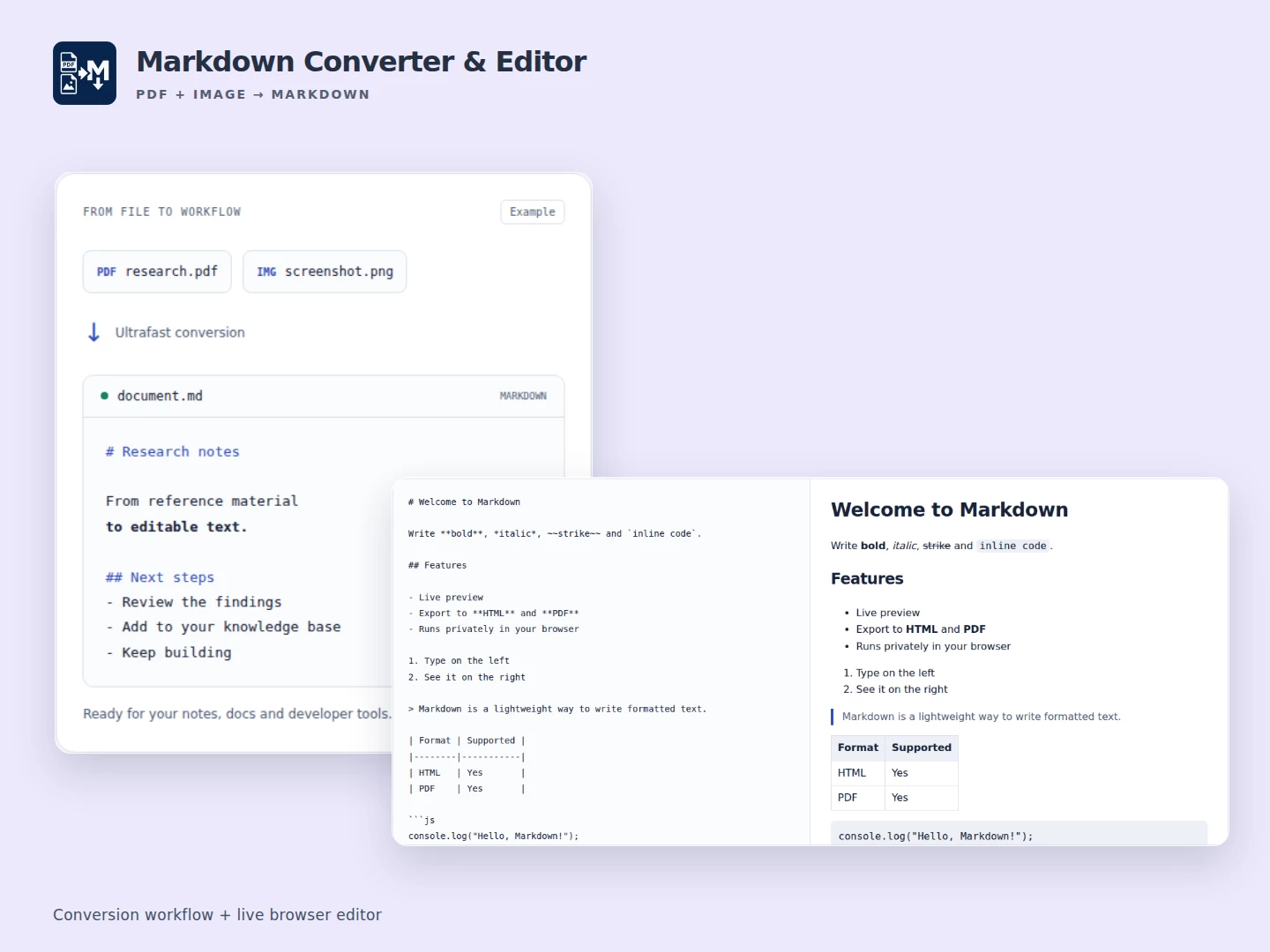
Turn research papers, screenshots and scanned notes into Markdown without retyping them. The Mac converter processes PDFs and images locally, so your source files stay on your device.

Already have Markdown? Use the browser workspace to edit with live preview, then export Markdown, HTML or PDF. It’s a useful finishing touch for notes, documentation and developer workflows.

PDF and image imports are available in the Mac app. The browser editor is free to use; visit the product website for the Mac App Store listing.

Shared by App I Want Team · 2 supporters
Markdown Converter & Editor product preview
THE NEXT USEFUL APP COULD START WITH YOU

Can’t find what you need?

Tell the community what would make your day easier.

Explore ideas